
Controls
What Controls is
Shape how this Space answers.
Controls is where you see what always applies, and what you can shape, so answers follow your policies.
Why it exists
A Space answers from the Knowledge you author. Controls is how that answering is governed.
Spaces used to put tone, safety, grounding, and empty-context behaviour into one freeform Core Prompt. Controls separates what Empathy.AI always applies from the rules you own:
- Platform guardrails — set by Empathy.AI, always-on, read-only, including immutable safety rules.
- Space rules — policy you own: tone and voice, response format, domain context, and other rules. Each rule is Active, Inactive, or Draft.
- Extensions — Adaptive can generate documents from your Knowledge. They are not policy, and they are not listed on the Controls page.
Formerly Core Prompt. If you used to edit a Core Prompt, that policy is moving into Rules. Open Controls to review what always applies and what you can enable or disable.
What you will see
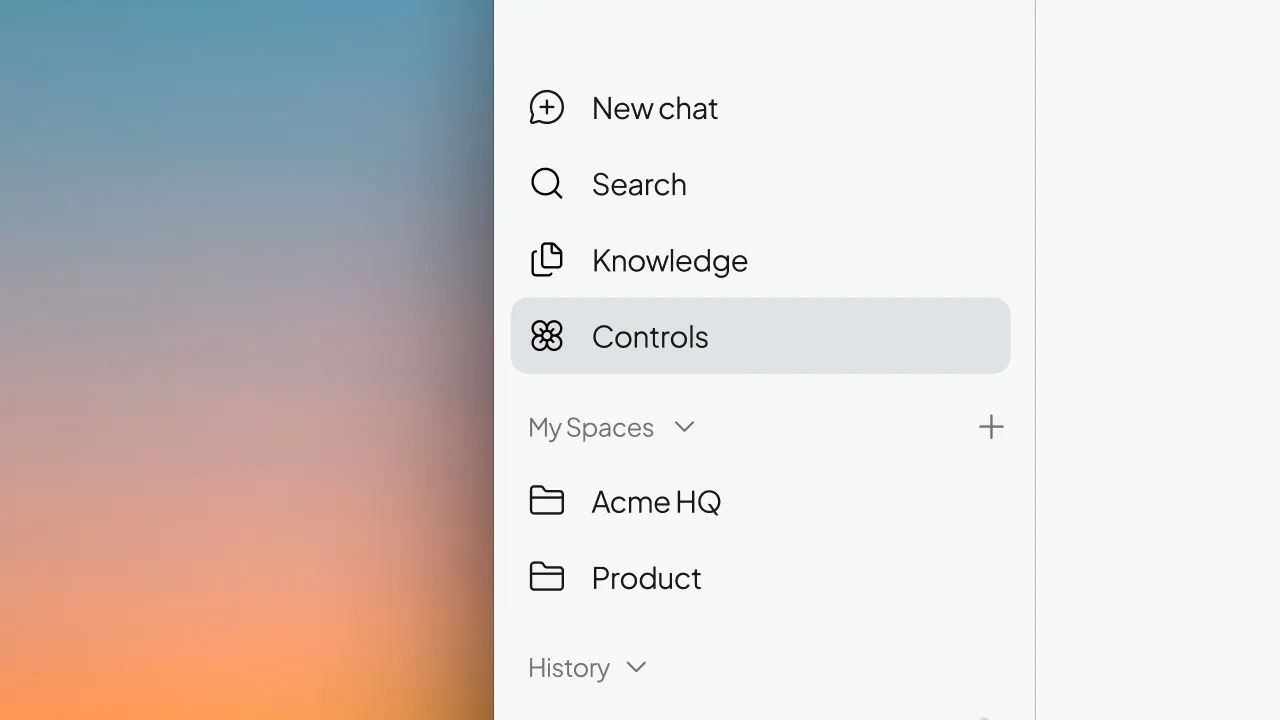
Open Controls in the sidebar. You will see the title Controls, platform guardrails, then your rule cards.
You can review what is in force, enable or disable rules, and delete unpublished drafts.