
How Spaces works
When you add a source to Knowledge, Spaces processes it so relevant passages can be retrieved later. Here is what happens, stage by stage.
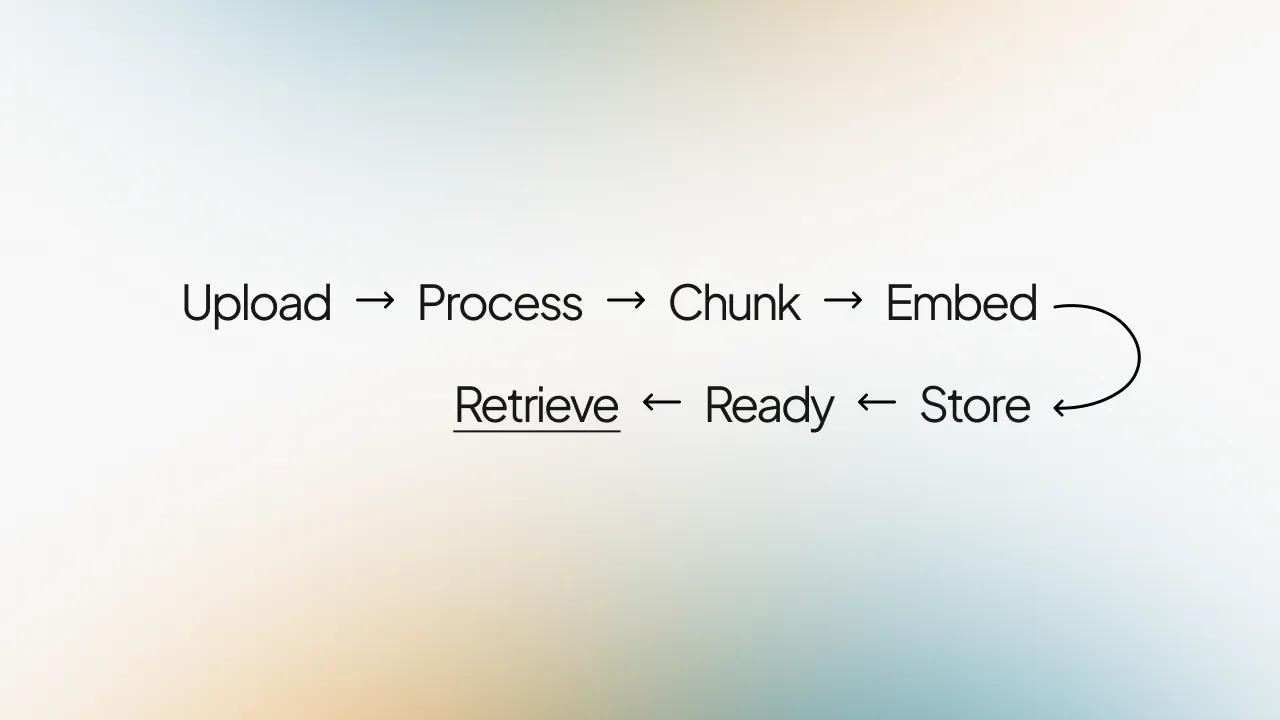
Upload
You add a file, paste text, write a note, or (when enabled) add a book from Open Library. Spaces accepts the source into your Space perimeter.
Process
The file is parsed and text is extracted. You can track status in the Knowledge list and document details panel.
Chunk
The content is split into chunks — smaller segments sized for search. Chunk size and overlap are configured in System.
Embed
Each chunk is converted into a vector embedding — a numerical representation used for search.
Store
Chunks, embeddings, and metadata are stored in your Space for retrieval. Original files are not retained; only what is needed for retrieval lives inside your perimeter.
Ready
When processing completes, the source is ready. Relevant passages can now be retrieved when you ask a question.
Retrieve
At answer time, Spaces searches your Knowledge for the most relevant chunks, applies platform guardrails and Space rules (Controls), and generates a grounded response with Sources attached. Retrieval is from the library you added; Controls shape how the Space answers.